
Pinterest Downloader Without Installing an App
By PinMediaDownloader editorial team · Updated 2026-11-02 · 4 min read
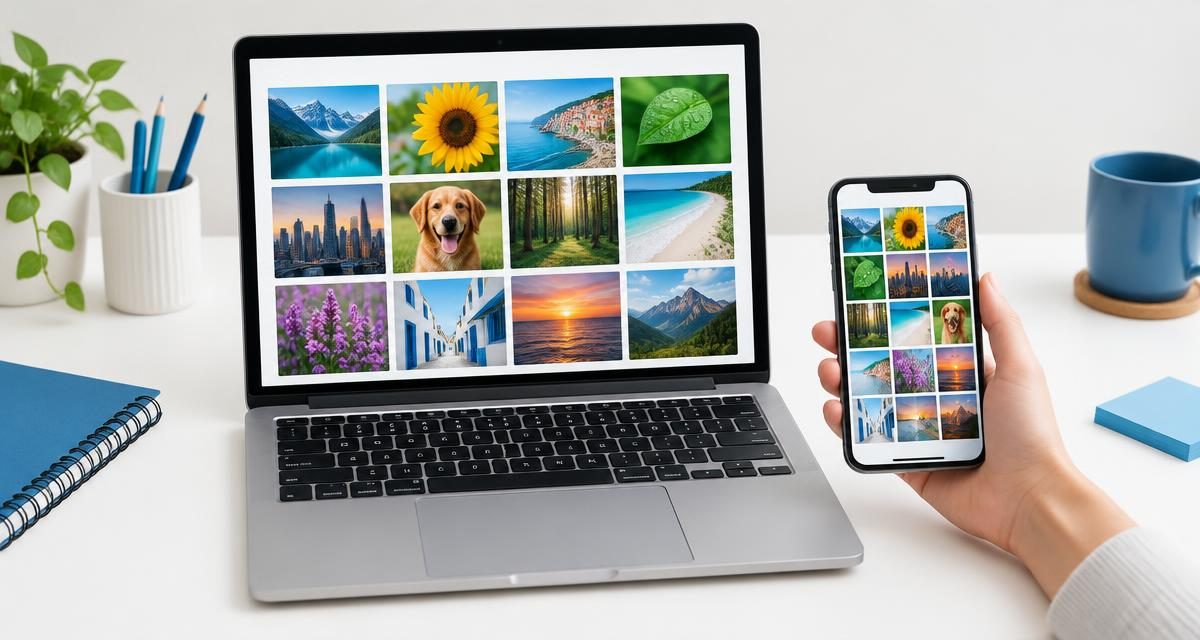
A public Pin URL and a current browser are enough to begin. You do not need to install an extension, grant access to your Pinterest account or provide credentials to this downloader.
Jump straight to the tool: Browser-based Pinterest tools
Choose a browser workflow
- 1
Copy a public Pin or board URL from Pinterest.
- 2
Open the matching downloader in your browser.
- 3
Paste the link and analyze it.
- 4
Check the actual preview and detected file format before downloading.
Choose the right tool
Videos, still images and GIFs have separate tools because a Pin's appearance does not always reveal its format. A carousel contains several slides inside one Pin. A board is a collection of Pins and may return only the first publicly exposed batch; it is not an unlimited archive.
Find the saved file
On iPhone, check Files and Safari's selected download location. On Android, check Downloads in your files app. On Windows and Mac, check the browser's download list. Saving a file does not necessarily add it to a photo library; use your device's supported share or import action if needed.
Permissions you should not need
- No Pinterest password or session cookie.
- No browser extension with access to every page you visit.
- No executable installer to retrieve an image or MP4.
- No payment or advertisement click to reveal a download button.
No installation is not unlimited access
Private or restricted media remains unavailable. A public Pin is not a licence to republish its contents: keep source information and seek the creator's permission for reuse.